7 min read
Oct 27, 2026
New customers and returning customers shop in quite different ways. A bundle that’s perfectly suited to one may be absolutely useless to the other. You need to have separate offers for each.
This guide shows you how to use your own data to build BFCM bundles for both groups. You’ll see who to target, what to offer and how to measure the results. Black Friday is 27th November 2026 and Cyber Monday is 30th November.
Key Takeaways
The two groups actually have quite different questions on their minds. The new customers are asking “can you trust us?” The existing customers are asking “what’s new?” “what saves me time?”
Basic Shopify customer segmentation enables you to segment your audience and then match the right offer to that segment. A simple list of first time buyers and repeat buyers is all that’s required.
A new shopper won’t know your range. They need an easy way to try your brand. A good bundle will show them the best bits of your range at a reasonable price.
Loads of people will be looking for Black Friday/Cyber Monday deals and will end up on stores they’ve never heard of. A good introductory offer makes a huge difference in terms of building trust. Reviews, a returns policy and plain old product descriptions all help.
Your returning customers already know your products. You know what they’ve bought and when. That history is the very basis for creating offers that are precisely in line with their buying behaviour.
A returning customer is all about speed and relevance. They’re going to respond to refills, add-ons and upgrades. Plan your BFCM Shopify offers with both groups in mind. Take the Black Friday bundles as your starting point for each group and then adapt the products and pricing as appropriate.
Keep product bundling as simple as possible for both sides. A single offer for each group is far easier to track than a number of offers.

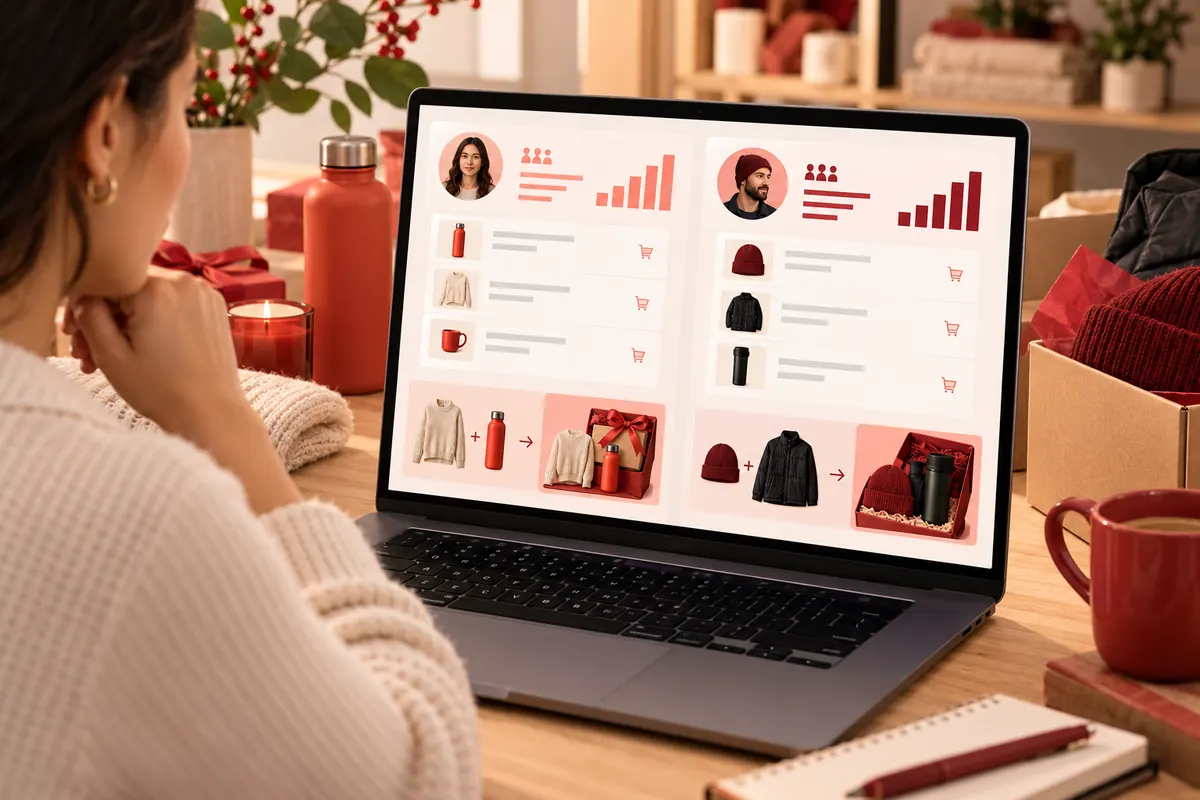
Your store already has the data you need. Just spend an hour with it before you start building anything.
Filter the orders to show just the first time buyers. Look at what products they buy the most. Those are your best entry points. Build your new customer bundles around those products.
Check your best selling products across all orders as well. Compare the two lists to see where they’re the same and where they’re different.
Filter for customers with 2 or more orders. Note which items they buy again. Note which items they buy together.
These are examples of complementary products. If a large number of repeat buyers are adding a travel case to a speaker then bundle those. Review the product performance for each individual item including returns.
Confirm product availability for every item you’re going to be including. A bundle with a missing item is a total disaster for both groups.
Work out the gross profit margin for each product (gross profit margin is sales less cost of goods, divided by sales). The bundle should be structured such that each individual item maintains its margin above your minimum after the discount has been applied.
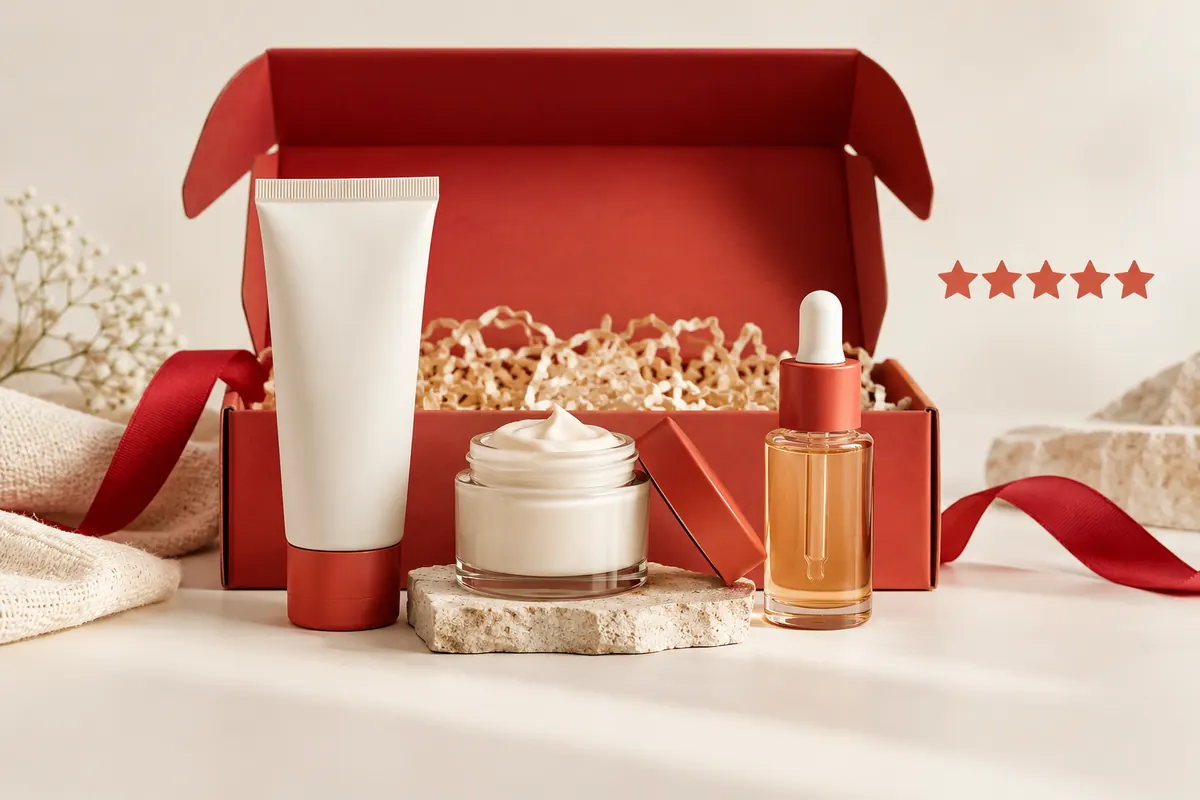
A first purchase is always going to be a risky proposition for the customer. Your bundle should address that.
Group your proven sellers into a starter set. The new customer gets a clear introduction to your range. Use product bundling examples from your own niche as a guide (trial kit, sampler etc).
A starter bundle also helps you drive up your average order value without having to offer any one item at a massive discount.
Don’t ask a new customer to spend a lot. Keep the starter bundle small (2 or 3 items). Review your bundle pricing to ensure the total feels fair for a first order.
Set a modest bundle discount. A clear saving of 10% to 15% is generally all that’s required to trigger a first purchase.
Tell the customer why each item is in the bundle. A short line underneath each product is ideal. Show the full price, the bundle price and the saving in dollars.
This creates perceived value. People will buy when they see what they’re getting and what they’re saving. Clear bundle deals come across as genuine offers rather than gimmicks.
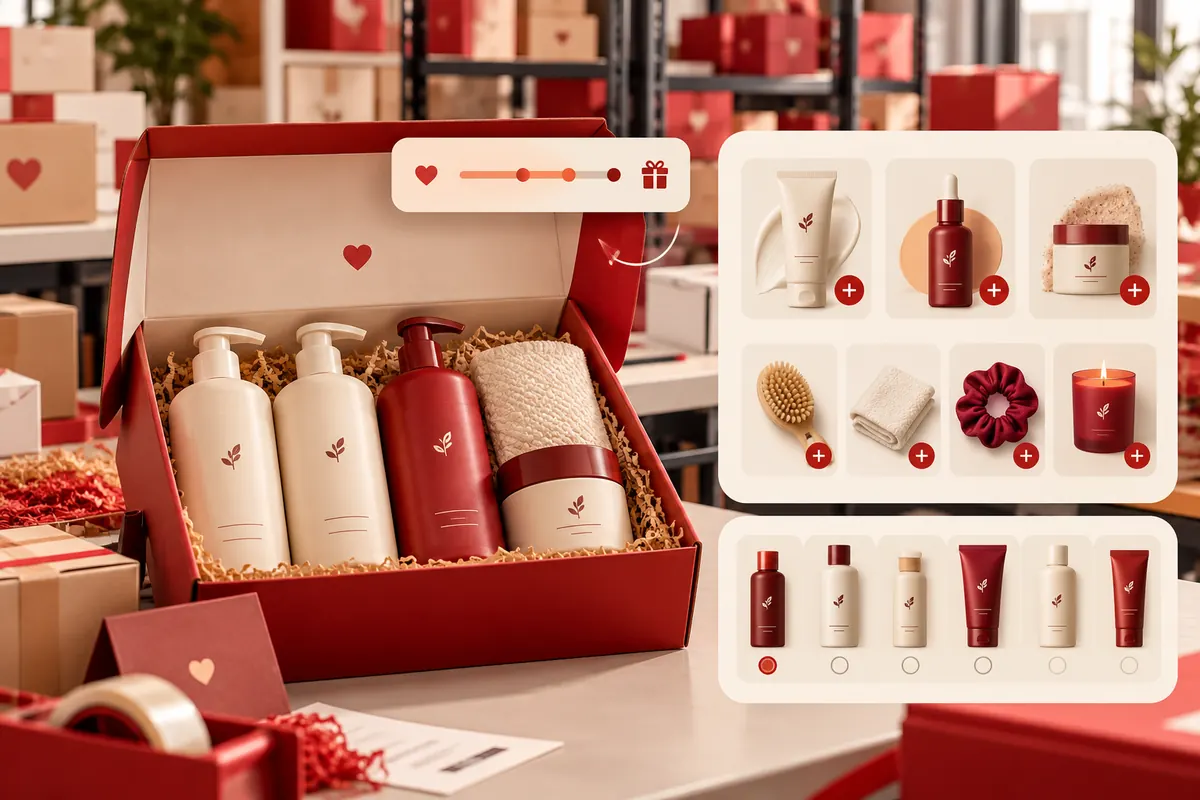
Returning customers know your products. Your bundle should save them time and reward their loyalty.
Look at the items that have a regular reorder cycle. Offer a multi-pack at a reduced price per unit. A customer who buys shampoo every month might well take a 3 month bundle.
Use volume discounts to incentivise larger orders. The bigger the bundle the better the saving per unit.
Match each customer’s previous orders to items that go with them. If a customer has bought a coat then they may also like gloves. Use product recommendations in the email and on site to demonstrate these pairings.
Some returning customers will know precisely what they like. Let them choose. A Shopify mix and match bundle gives them the control. A ‘build your own’ bundle option is also viable in the case of a large number of products.
Offer some customisable bundles with clear rules (e.g. “pick any 3 for $60”). Simple rules = simple offer.
Send each group a message that matches their offer. Keep it clear and direct.
Plan your BFCM marketing in three very short steps: teaser, launch and last chance reminder. Send each of those a separate version.
Measure bundle sales for each group. Check your Shopify conversion rate on each bundle page. See if you’ve increased the average order value for both segments.
Review the results of the sale. Note which group did best and which product combinations sold the most. Use that information to plan for next year.
Two customer groups = two sets of bundles. A bundle app will keep them all organised. BundleSuite helps Shopify stores create and manage bundles in one place.
Look for the best bundle app for Shopify by checking the features against your plan. Make sure it can do inventory tracking before you go ahead. Test each bundle on a draft order two weeks prior to launch.

New and returning customers require different offers. Build a starter bundle for one group using your order history and a replenishment/add on bundle for the other. Check stock and margin and then measure each group individually.
Start this week by splitting your order list into first time and repeat buyers. Pick one bundle for each. Go live before 27th November.
BundleSuite is your Shopify-ready bundle builder app for high-converting bundles—BYOB, Mix & Match, Volume Discounts, Kits, Combos, you name it.
Built for merchants who want control, flexibility, and results. BundleSuite is your Shopify-ready bundle builder app for high-converting bundles—BYOB, Mix & Match, Volume Discounts, Kits, Combos, you name it. Built for merchants who want control, flexibility, and results.
BundleSuite is your Shopify-ready bundle builder app for high-converting bundles—BYOB, Mix & Match, Volume Discounts, Kits, Combos, you name it. Built for merchants who want control, flexibility, and results.
The two groups have different needs. New customers are looking to try your brand. Existing customers are looking for convenience and relevance.
Include two or three bestsellers. Keep the price accessible and explain what each item brings.
Offer replenishment multi-packs, add-ons to match previous orders and mix and match options.
Filter out the repeat orders and look for items that are bought together. Bundle up the most common pairs.
Offer a modest saving (typically 10% to 15%). Just make sure that the profit per bundle is still above your minimum.
Track bundle sales, conversion rate and average order value for each group. Look at it post sale.
Most stores benefit from one. An app handles pricing, stock sync, and reporting in one place.
Your email address will not be published. Required fields are marked*