8 min read
Oct 27, 2026
Bundles can take a very busy Black Friday and turn it into higher order values. They also create new work in the areas of pricing, stock and testing. A clear Black Friday strategy is key to keeping that work on track.
This is a roadmap that works backwards from launch day. Black Friday is 27th November 2026 and Cyber Monday is 30th November. Each phase below details what to do, what to check and who is responsible.
Key Takeaways
Start 8 weeks prior to launch. For a launch on the 27th of November that would be early October. That gives you time to select your products, set your prices, build your bundles and test them.
Put each stage on a shared calendar. Give each task one named owner. A Black Friday checklist only works if someone actually goes and checks it.
Learn how to prepare for Black Friday before you build anything. Look at last year’s traffic, orders and stockouts. Note which products sold out and which didn’t.
Your Shopify Black Friday plan needs a clear objective. Pick one figure, for instance average order value or units per order. Having one objective will keep your bundle decisions focused. Use a Black Friday online store preparation checklist to cover the basics outside of the bundles. Check site speed, checkout, email lists and support hours. Then add the bundle tasks below.
Many stores start with product bundling as it increases order value without the need for deep discounts. The customer gets a clear deal and you’re moving more units per order.


This phase is the foundation for everything else. Bad product choices are not fixable with advertising. Spend extra time here.
Pull a report of orders over the last 12 months. List your best selling products and note which products are sold together. Those are the ones you can bundle.
Look at product performance beyond just the sales figure. Look at the return rate, the reviews and the margin. A product that’s very popular but has a high return rate is a poor bundle anchor.
Add complementary products to each bundle. A candle goes with a lighter. A serum goes with a moisturiser. The customer should see why the products belong together.
Each format is for a different purpose really. Pick one or two of the formats for your initial launch.
Review how a Shopify ‘build your own’ bundle offer works on your theme. Same for a Shopify mix and match bundle. In both cases you need very clear selection steps on mobile.
Apply the product bundling rules consistently. Name each bundle by the problem it solves (e.g. “Winter Skin Kit”). Clear names will drive more clicks.
Do the maths before you go live. Take two items at $20 and $30. Offer 15% off the pair and the bundle is $42.50. Make sure that price still covers the cost of the product, packing and shipping plus all the fees.
Set a minimum profit per bundle and stick to it. A bundle that is losing money on every sale only serves to increase your losses.
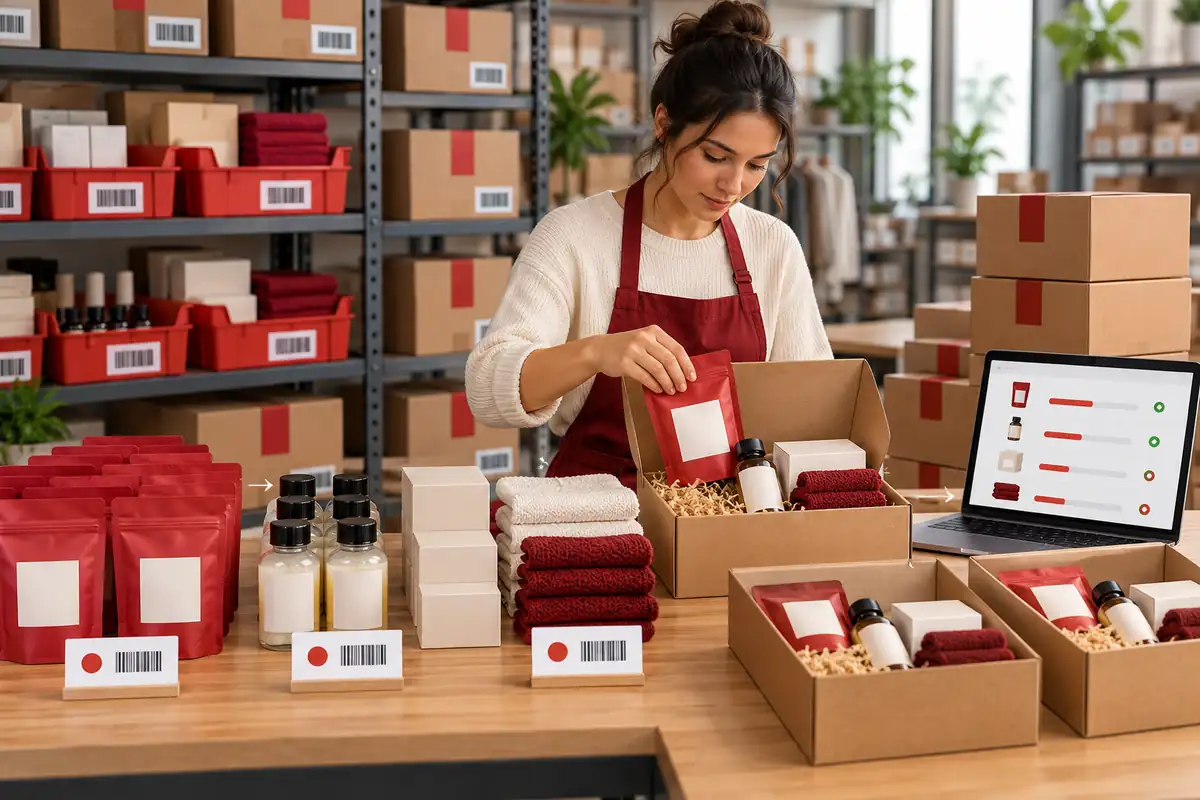
Bundles draw down stock much more quickly than individual items. One bundle sale will remove several units. Always plan your stock before you build.
Good stock tracking will tell you how many units of each product you have left. List every item that appears in more than one bundle and then total up the units those bundles could use. Protect product availability for your bestsellers. If one item sells out then every bundle which contains that item is effectively dead. Reserve units for bundles prior to reserving them for single item sales.
Plan for out of stock products in advance. Work out whether you’re going to hide the bundle, swap the item or show a waitlist. Make that decision now rather than during the sale. Review the stock levels on a weekly basis until launch and order in additional units for any items that are in more than one bundle.
Set quantity limits so one customer can’t just go and drain the stock of a bundle. Two or three per order is a figure that works in quite a few stores. Pick a number that suits your own supply.
Turn on inventory sync so that bundle stock gets updated when the individual items within it are sold. Without sync the bundle could appear as being in stock when in fact one of the constituent items is out of stock.
Steps to Build Each Bundle
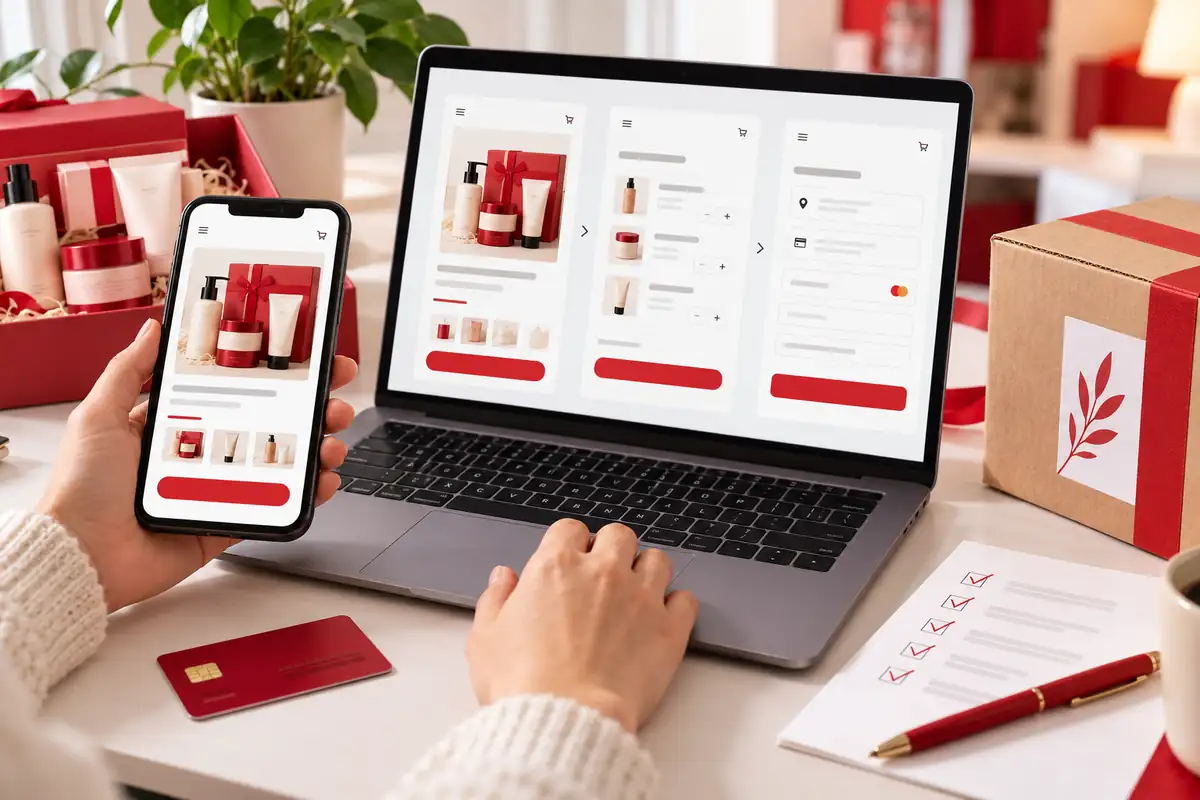
Testing will reveal the issues the customer would encounter. Run every bundle through a full order and do this on at least two devices.
The vast majority of sale traffic comes in on phones. Mobile optimisation has to be a launch requirement. Make sure your selection menus open, scroll and close without error.
Test the mobile checkout with a real payment method. Check that the bundle price, items and quantity all show up in the cart. Watch out for slow loads and hidden buttons.
Review the checkout usability for first time buyers. Have someone from outside your team do a purchase and note where they stop.
Confirm that the automatic discount only applies once. Test a bundle with a discount code to see what happens when the two are used together.
Check shipping rates for each bundle size. A big bundle could end up being more expensive to ship than you anticipate.
Just walk through the order fulfilment with your warehouse/packing team. Ensure that the packing slips list every single component. Make sure that the team can locate every item quickly.
The final week is all about execution really. Get your messages out, open the offers and just watch the numbers.
Offer early access to your email list and subscribers. Give your most loyal customers a 24 to 48 hour head start (this is a great way to reward them) and use that as a way of testing your site under light load.
Plan your Black Friday email marketing in three parts: a teaser, an early access note and a public launch message. One bundle, one button per email.
Review a free shipping threshold which rewards larger bundles. Set it just above your average order value so that a bundle will actually get the customer over the line.
Look out for discount stacking issues. Make sure sitewide codes don’t stack with bundle discounts in a manner that would eat into your margin.
You need one place to build, price and track bundles. BundleSuite enables Shopify stores to create Shopify product bundles without any custom code. It’s perfect for setting up bundles prior to launch and for reviewing the results afterwards.
Test the app on a draft bundle two weeks prior to launch. Place some sample orders and check the results. Use your Black Friday online store preparation checklist to verify each step prior to going live.
A bundle launch is best done on a schedule. Plan it early, pick your products from real data, protect your margins, sync your stock and test every path. Then launch with confidence and see what sells.
Start off today by listing your top 10 products and their common pairs. Build your timeline backwards from 27th November. Assign an owner and a date to each task.
What I love about BundleSuite is the SEO impact. Each bundle has its own product page, which helps with marketing and driving organic traffic! This has opened up new opportunities for me to promote specific bundles and get them ranked on Google. The app is fast, flexible, and customer support is top-notch. My bundle sales have increased dramatically since I installed it.
Start 8 weeks prior to launch. That gives you the time to select your products, set your prices, build and test.
Fixed bundles are the simplest. Mix and match once you’ve got confidence in your stock sync and checkout.
Offer the smallest discount that still comes across as a deal. Make sure your profit per bundle remains above your minimum.
Track stock for every component and keep it in sync with each bundle. Set quantity limits and reserve the units for the bundle first.
Test the mobile selection, the cart, the discounts, the shipping rates and the fulfilment. Use a real payment method.
Keep an eye on the bundle sales, the stock of the individual components and the conversion on the bundle pages. Check them on a daily basis.
Most stores benefit from one. An app handles pricing, stock sync, and reporting in one place.
Your email address will not be published. Required fields are marked*